
I’ve tested seven AI tools that can help design your living room. RoomsGPT offers quick mood boards at no cost, while VisualizeAI lets you adjust details through text prompts ($19/month for full access).
HomeVisualizerAI creates professional renders, REimagineHome speeds up the design process, and Spacely AI handles lighting changes right away. ChatGPT and Bing Image Creator help you develop initial ideas for free.
The key is selecting the tool that aligns with your budget and design preferences—read on to find which one works best for you.
VisualizeAI: Transform Your Living Room Exactly How You Envision It
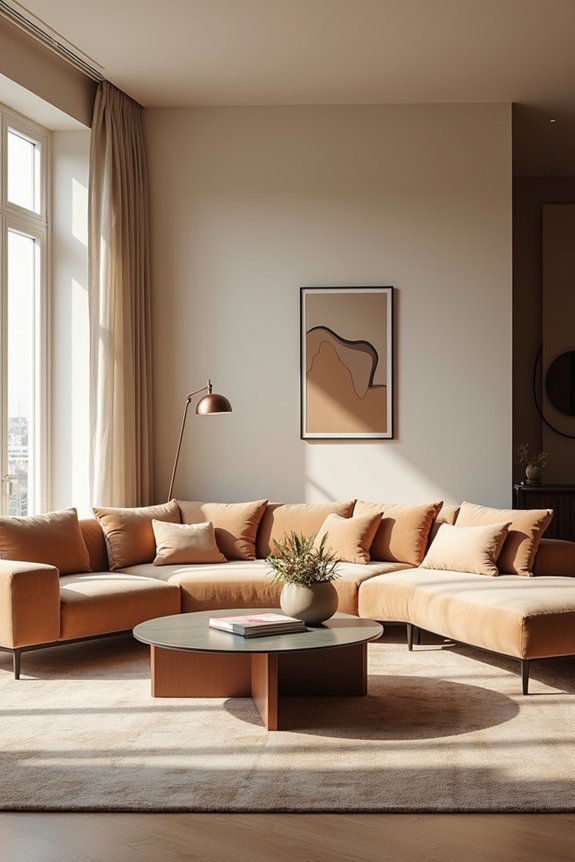
Ever stared at your living room and thought, “I know exactly what this space needs, but I can’t quite explain it”? VisualizeAI gets it. This AI interior design tool lets you upload an existing photo, sketch, or floor plan, then applies room type and style presets to generate living room renders instantly. Here’s what makes it special: you’re not locked into preset designs. Add targeted text prompts to customize every detail—remove harsh lighting, swap furniture, adjust colors. You can even exclude specific features like cabinet hardware. Start with free prompts, then access full capabilities for $19 monthly. It’s ideal for design enthusiasts who want precision without hiring professionals. VisualizeAI turns vague ideas into specific, polished renders you’ll actually use.
RoomsGPT: Generate Full Room Designs From One Photo For Free
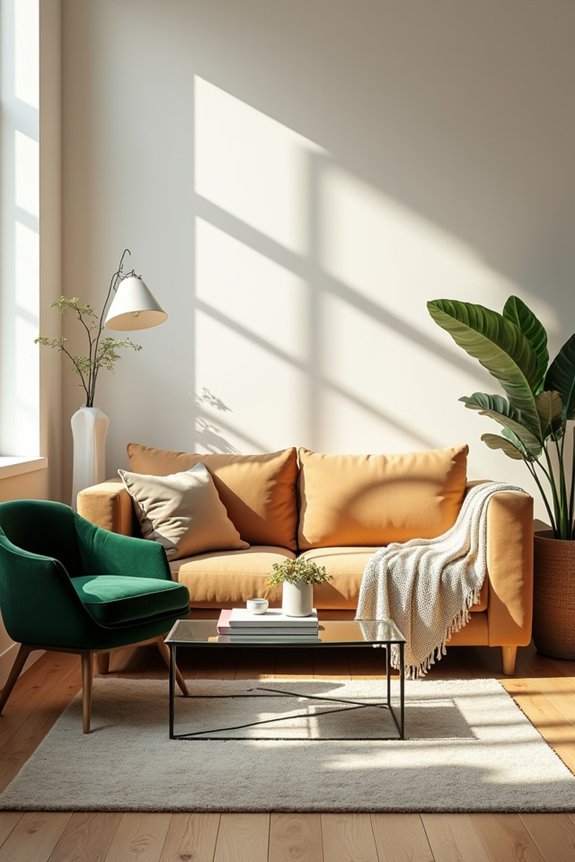
RoomsGPT lets you generate complete room designs straight from a single photo at no cost. You’ll upload your image, pick your room type, describe the style you’re after, and the tool produces two AI-rendered options quickly. The interface is straightforward and simple, which means you spend less time navigating buttons and more time visualizing what your space could become.
Free Full Image Generation
Want to see your living room redesigned without hiring a designer or spending hours sketching? RoomsGPT delivers exactly that through free full image generation. You upload one photo of your space, pick your room type and style descriptor, and two AI-rendered designs appear instantly. No fancy software skills required.
The process is straightforward. You’re not wrestling with complicated text prompts or technical jargon. Instead, the AI interior design tool handles the heavy lifting, generating complete room visualizations from your single snapshot. Hit regenerate whenever you want alternate options from the same prompt.
Fair warning: image size restrictions sometimes cause upload hiccups, and occasionally the renders come out slightly blurred. But for beginners exploring concepts quickly before committing to professional services? This free full image generation tool works well.
Simple Interface, Quick Results
How do you turn a blurry phone photo into polished room designs without wrestling with confusing buttons and menus? RoomsGPT’s straightforward approach makes AI interior design accessible to everyone.
Here’s what makes it work:
- Upload your room photo in seconds
- Select your room type from the dropdown
- Add a style descriptor (like “modern minimalist”)
- Get two unique design concepts instantly
The interface won’t intimidate you. You’re not clicking through endless options or deciphering technical jargon. Instead, you’ll quickly generate multiple concepts that show you what’s possible. This speed helps beginners identify what they actually prefer without overthinking decisions. You’ll see designer-inspired options without the designer’s price tag, making the whole process feel less overwhelming and more like having a knowledgeable friend offering suggestions.
HomeVisualizerAI: Create Professional-Quality Renderings In Minutes
When you’re ready to stop imagining your living room and start actually seeing it—complete with that specific shade of sage green and the way light hits your new sofa—HomeVisualizerAI delivers renderings that look polished and professional, not like something your cousin’s friend made in their garage.
This AI interior design tool lets you blend inspiration images with room renders using their “style fashion” feature. You get photorealistic renders in minutes by combining text descriptions with style selections. The creativity-fidelity slider gives you control over how experimental or conservative your designs stay.
| Feature | Details |
|---|---|
| Free Renders | First 3 included |
| Pricing | $12/month |
| Integration | Google Lens product search |
Users consistently praise the aesthetic quality and improved control over finishes compared to entry-level competitors.
REimagineHome: Refine Your Design Through Rapid Iteration
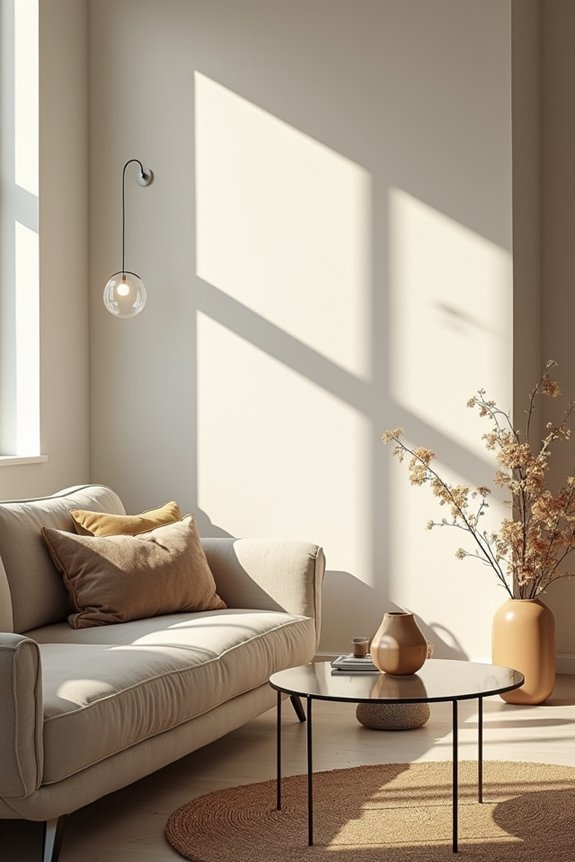
I’ve tested REimagineHome’s rapid iteration feature, and it’s genuinely helpful when you’re indecisive about design choices—which, let’s be honest, describes most of us. You can quickly generate multiple versions of your space with different styles and furnishings, then compare them side-by-side to see what actually works for your aesthetic. The realistic renderings mean you’re not guessing whether that burnt orange accent wall will clash with your existing rug; you’ll see it in action before committing.
Iterative Design Refinement Process
Ever stared at a room redesign and thought, “But what if I tried it differently?” That’s where REimagineHome shines—it lets you skip the mental gymnastics and just generate multiple design options from your original concept.
Here’s how the iterative refinement process works:
- Upload your room photo and describe your vision to the AI interior design tool
- Adjust the creativity slider between bold reimaginings and faithful-to-original layouts
- Compare photorealistic previews side-by-side in seconds, not weeks
- Refine furniture, finishes, and themes based on what resonates with you
You’ll see variations instantly. Maybe one iteration nails the vibe while another feels off. That’s the beauty of iterative refinement—you’re not committing to anything yet. You’re exploring safely, building confidence before making actual changes. It’s like having a design partner who never gets tired of “what-if” questions.
Realistic Results Through Testing
| Design Element | Before Testing |
|---|---|
| Wall Color | Uncertain |
| Furniture Placement | Guesswork |
| Lighting Effect | Unknown |
| Overall Vibe | Questionable |
This testing phase converts abstract ideas into concrete visuals. You’ll notice details that sketches miss: how sunlight hits your new sofa, whether that shade of blue actually complements your hardwood. The ability to pivot quickly when something doesn’t work delivers real design power—seeing actual results before you buy anything.
Spacely AI: Render Your Room With Instant Lighting Control
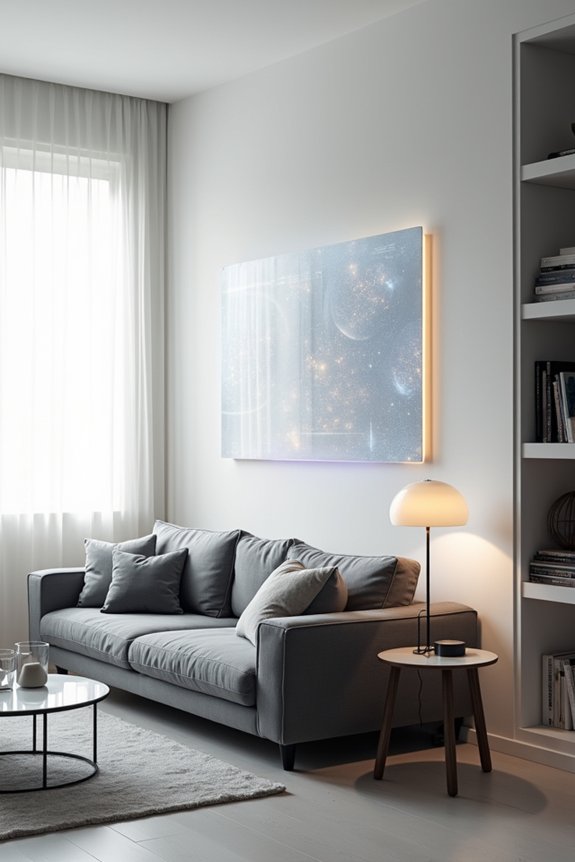
How many times have you sketched out a room layout, only to realize the lighting completely changes how it actually looks? Spacely AI addresses this directly. This AI interior design tool delivers photorealistic rendering in about 45 seconds, letting you control every detail instantly.
What it does:
- Adjust lighting in seconds without re-rendering everything
- Swap furniture and materials on the fly
- Test multiple layouts before committing
- Show clients clear visuals that match your vision
Spacely AI preserves your core render while you tweak lighting, furnishings, or layouts. You’re not starting from scratch repeatedly—you’re refining. This instant lighting control means you’ll spend less time waiting for renders and more time designing. No more endless revision cycles with external rendering services.
ChatGPT and Bing Image Creator: Free Concept Sketching Without Extra Tools
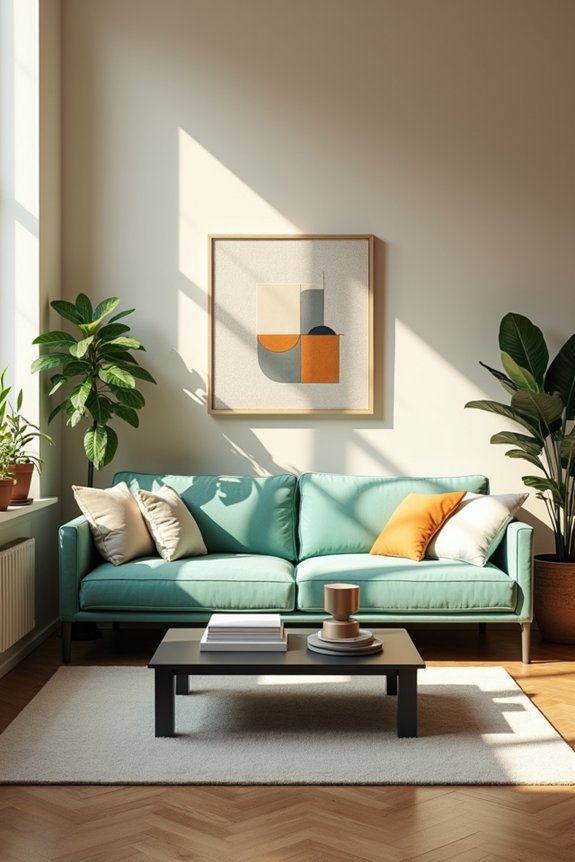
While Spacely AI shines when you’ve already locked down a direction, sometimes you need to figure out what that direction actually is. That’s where ChatGPT and Bing Image Creator come in. I use ChatGPT to brainstorm design language, color choices, and architectural cues through conversation. It’s free, which means I can explore wild ideas without commitment. Then I feed my refined prompts into Bing Image Creator for actual concept sketching. This AI interior design combo lets me visualize possibilities before hiring anyone. You describe what you’re imagining—bold accent walls, minimalist vibes, whatever—and ChatGPT helps sharpen those thoughts into workable prompts. Image generation tools then create visual references from your words. It’s not replacing a designer, but it works well for early-stage ideation and planning.
Which AI Tool Fits Your Decorating Style and Budget?
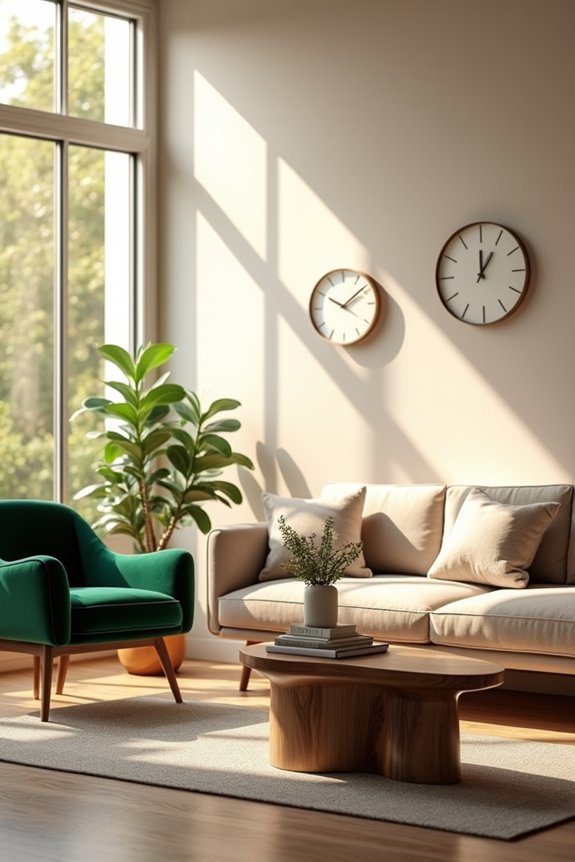
You’ve got options now, and honestly, picking the right AI tool depends less on which one’s “best” and more on what you’re actually trying to do—and what you’re willing to spend.
Here’s how I’d break it down:
- RoomGPT – Perfect if you’re on a tight budget and need quick results. Free, fast, and ideal for generating mood boards without any financial commitment.
- VisualizeAI – Best for flexibility. You can upload images or sketches, customize with text, and access more features with paid access at $19/month.
- HomeVisualizerAI – Go here if you want professional-quality AI interior design work. It’s for folks serious about results.
- General rule – Start free. Explore concepts before spending anything.
Your decorating style matters too. Want simple vibes? Stick with RoomGPT. Need more nuance? Invest in VisualizeAI or HomeVisualizerAI.